
We would like to welcome your child and you to our school community. This information guide is designed to help answer all the immediate questions you may have about how our school works.
 |
Family Engagement |
 |
Communication with Parents |
All parents and carers are equally valued as part of our school community. Children's learning is improved when we work in partnership with their parents or carers and their wider family. We therefore believe in close collaboration with all families, and regular consultation between home and the school. We welcome parents' feedback at any time.
At Jockey Club Sarah Roe School, we use many forms of communication to provide parents with essential information: website, newsletter, ESF App messages, Seesaw learning updates, and emails from class teachers and the therapy team.
Parents' first point of contact should be their child's class teacher. Parents can get in touch with them if they would like to discuss their child's progress, ask questions, gain support or have the opportunity to talk about any home issues. Parents can contact the teacher by email (staff emails are available on the ESF App) or by calling the school office. Although our teachers are unable to take phone calls or check emails while they are teaching, messages will be passed on to them as soon as possible by the office staff. Alternatively, parents can send an email requesting a meeting time.
For any generic enquiries, meeting requests and non-urgent matters, you can contact our office staff at 2761 9893 or office@jcsrs.edu.hk.
Should a meeting with the class teacher not be appropriate, parents are welcome to contact the school office to arrange a meeting with the Vice Principal or Principal to discuss matters of concern.
 |
Parent Meetings |
Parents are strongly encouraged to join the school's various annual events.
The Meet the Teacher Evening is scheduled at the beginning of the school year. It provides an opportunity for parents to meet their child's new teacher and give a general overview of the class and curriculum.
Parents also have two to three formal meetings each year (once each term) with the teachers and therapists in order to discuss their child's educational programmes (Parent Teacher Therapist Conference in November and March, and Annual Review in May). The aims of the meetings include:
-
to discuss the student's progress towards meeting the overall objectives set in the Individual Education Plan (IEP);
-
to identify areas of specific or targeted work;
-
to identify any significant changes in the student's special educational needs, including equipment, aids and access.
Informal meetings between parents and staff are held throughout the year as required.
 |
Parent Teacher Therapist Conference (PTTC) |
PTTCs take place twice a year, in November and March. Prior to the meeting, the class teacher will share the evaluated Individual Education Plan (IEP) with the parents. The meeting is 20 minutes long, and our therapists sometimes join. Our PE teacher is also available at the same time for 10-minute-long optional meetings. If parents do not get a chance to meet with their child's therapist, an optional 10-minute therapy meeting can be organised a week after the PTTC.
Please book using the following instructions.
-
Go to Gateway via the ESF App or this link.
-
Log in using your Parent Login if prompted.
-
Under Parent Consultation on the front page, select the appropriate event.
-
Select the date and choose your time slot. Your appointment will turn purple, which confirms your booking.
-
To cancel a booking, click on the purple box.
 |
Annual Reviews |
 |
Contact Us – Essential Emails |
Here is how you can contact different staff at school. Please use the general contact emails to make sure your email reaches the right person.
You can call the school office at 2761 9893 and ask to be connected to the right person.
You can email us:
-
School Administrator – office@jcsrs.edu.hk (general enquiries, meeting requests and non-urgent matters)
-
PTA Administrator – jcsrs.pta@jcsrs.edu.hk
-
Bus Service – schoolbus@jcsrs.edu.hk
-
School Health Professional – nurse@jcsrs.edu.hk
-
Finance Team – epayment@jcsrs.edu.hk
-
Report your child's absence at office@jcsrs.edu.hk; you can also report absence on the ESF App or by calling the school.
-
Teachers – you can find all teachers' emails on the ESF App. You can also call the school office. Although our teachers are unable to take phone calls or check emails while they are teaching, messages will be passed on to them as soon as possible by the office staff. Alternatively, parents can email the office requesting a meeting time.
 |
ESF App |
The ESF App is a platform used across all the ESF schools.
The app features quick and easy access to the following information:
-
'Need to know' messages and diary dates
-
'Nice to know' school news via newsletters
-
Useful contact names, emails and phone numbers
-
School Virtual Learning Environment (VLE) – Sarah
-
Absence emails
The ESF App gives you quick and easy access to important school and ESF messages, as well as other information and ESF systems. If you do not have it set up, you might not receive crucial updates from the school.
You can find information on downloading and using it in this user guide or this video.
To ensure you do not miss anything, we strongly encourage you to download and sign in to the app and:
-
Set notification settings to Immediate: visual guide here.
-
Keep auto-forwarding messages to your email enabled: video guide here. We turn this on for you by default, but please double-check your settings. If you do not want to receive App messages in your email, you can turn this off anytime. *Please note some important information about Auto-forwarding below.
If you are not receiving notifications or auto-forwarded messages, please contact us at office@jcsrs.edu.hk or 2761 9893.
*Important information about Auto-forwarding.
-
Auto-forwarding is only for App Messages where a device is currently registered to the same email address.
-
Auto-forwarding will follow the same timing and filtering settings as your selected notification settings.
-
Auto-forwarded emails are processed after notifications and may take longer to arrive - if the email does not arrive in your inbox, please check your email client 'spam' folder and settings.
-
Auto-forwarding is an add-on service and not an alternative service - App messages will still be accessible in the ESF App, and applicable notifications will still be sent.
-
Some App messages will contain interactive elements - these can not be replicated in email and must be completed within the ESF App.
-
Some App messages will contain authenticated links to secure pages in a school VLE. For your security, these links expire shortly after they are generated and so might have expired by the time you read your email message - you can either access newly generated links in the ESF App or, if preferred, manually re-forward the message from the ESF App and use the link within 10 minutes.
-
App messages can be edited after release by school staff, for example, to correct minor typos or fix broken web links - when an App message is corrected, a new email will NOT be sent. Occasionally, this will mean that the App message and email will be slightly different. Also, note that sometimes an App Message may be deleted after the email has already been sent. The App message is always the most current version.
 |
Gateway |
The Gateway is the platform where we keep some essential information about students and their families, including contact details for parents and medical information. This is also the platform that we use for some administrative tasks like booking Parents Teacher Therapist Conferences and signing eNotices for trips. The Gateway can be accessed directly from the ESF App.
 |
Seesaw |
We use Seesaw to celebrate student progress in learning and offer parents a window into the classroom. It is essential that parents have access to the Seesaw app or website. If you need support to do this, please contact us.
Seesaw is a digital platform where teachers and therapists can record learning and create interactive learning tasks for students. Throughout the year, Seesaw builds a personalised digital portfolio of a student's learning journey that is accessible to their teachers, parents and themselves. Evidence is organised by subject and IEP areas. Teachers and therapists use comments to provide feedback and next steps so that parents can see the level that their child is working at and their next steps.
 |
School Times |
 |
Arrival and Departure Arrangements |
The school campus and local area are very busy around school starting and finishing times.
We expect students to arrive at school at 8.45 am. At 8.45 am, staff will come out to the playground to support students' transition to classes. Lessons start at 9 am, so it is important that students arrive at school on time.
Lessons finish at 2.30 pm and students will start to get ready to leave school at 2.45 pm. From 2.45 pm, staff will start assisting students' transition out of school. We dismiss one class at a time to avoid congestion. Parents and carers should wait for students in the playground.
We kindly ask that all adults who come to pick up and drop off students wait in our school playground and do not stay on the campus longer than necessary to drop off and pick up their child. As KGV school hours are different from JCSRS, we cannot allow adults to wait on the campus unsupervised, and it is not safe for unsupervised and unvetted adults to walk around the campus.
Private cars and taxis are not allowed to drive onto the school campus. This is to ensure students' safety.
 |
Private Cars Drop-Off and Pick-Up |
If you are dropping off and picking up your child in a private car or taxi, you will not be allowed to drive onto the school campus. You can park outside and walk your child to school. On arrival, please be aware that JCSRS buses may also be entering the campus. Please wait outside the gate and do not try to enter after the bus.
This is to ensure students' safety.
 |
Visitors to the School Campus |
In order to ensure the safety of all students, we have established clear protocols for student drop-off and pick-up, as well as management of visitors on the school campus.
All JCSRS visitors must sign in at the school reception and wait for a staff member. They will receive a yellow visitor badge that they must wear at all times. Visitors are not permitted to walk around the campus or school unsupervised.
In the case of volunteers supporting school trips, we ask that they arrive at school only for the time of the trip. If they have to wait, it will be kept to a minimum, and we will direct them to a suitable area.
We kindly ask that all adults who come to pick up and drop off students wait in our school playground and do not stay on the campus longer than necessary to drop off and pick up their child. As KGV school hours are different from JCSRS, we cannot allow adults to wait on the campus unsupervised, and it is not safe for unsupervised and unvetted adults to walk around the campus.
It is also important to note that some visitors have gone through the ESF vetting process, which includes scrutiny of their background, police check and sexual conviction check. Visitors who have completed those checks are given a green visitor badge and do not have to be supervised at all times.
It is crucial for us to maintain this protocol to safeguard students and ensure the security of our school environment. The ESF and JCSRS protocol on the management of visitors, volunteers, contractors, or external providers is aligned with the EDB guidance for all schools.
 |
Absence |
Full-time attendance is mandatory for all students. Individual classroom teachers take a class register each day. Parents are requested to report the child's absence on the ESF App, or by phone or email to the school office.
Unexplained absence will be queried via email or a phone call to parents/caregivers as soon as possible.
Patterns of non-attendance will be followed up with parents/caregivers as soon as possible by the class teacher and the school leadership team.
Attendance will be recorded on school reports.
 |
Medication in School |
 |
Parents Out of Town |
Parents are requested to inform the school if:
-
they are both out of Hong Kong – the name of an adult acting in 'loco parentis' should be given to the school in writing in advance;
-
there are any changes to contact information, such as home address, telephone number and/or email;
-
there are any changes to medical information.
Parents are responsible for updating the ESF Gateway with any changes to contacts, medical information and student or family details.
 |
Safeguarding and Student Welfare |
Effective safeguarding is essential. If you have any concerns about any aspect of your child's schooling, the first step is to speak to the class teacher or the school Child Protection Officer (Belinda McLaughlin). We take children's safety very seriously and will take appropriate steps in response to your concern. You can find out more about how we support students' safety here.
 |
Food in School – Lunch and Snack |
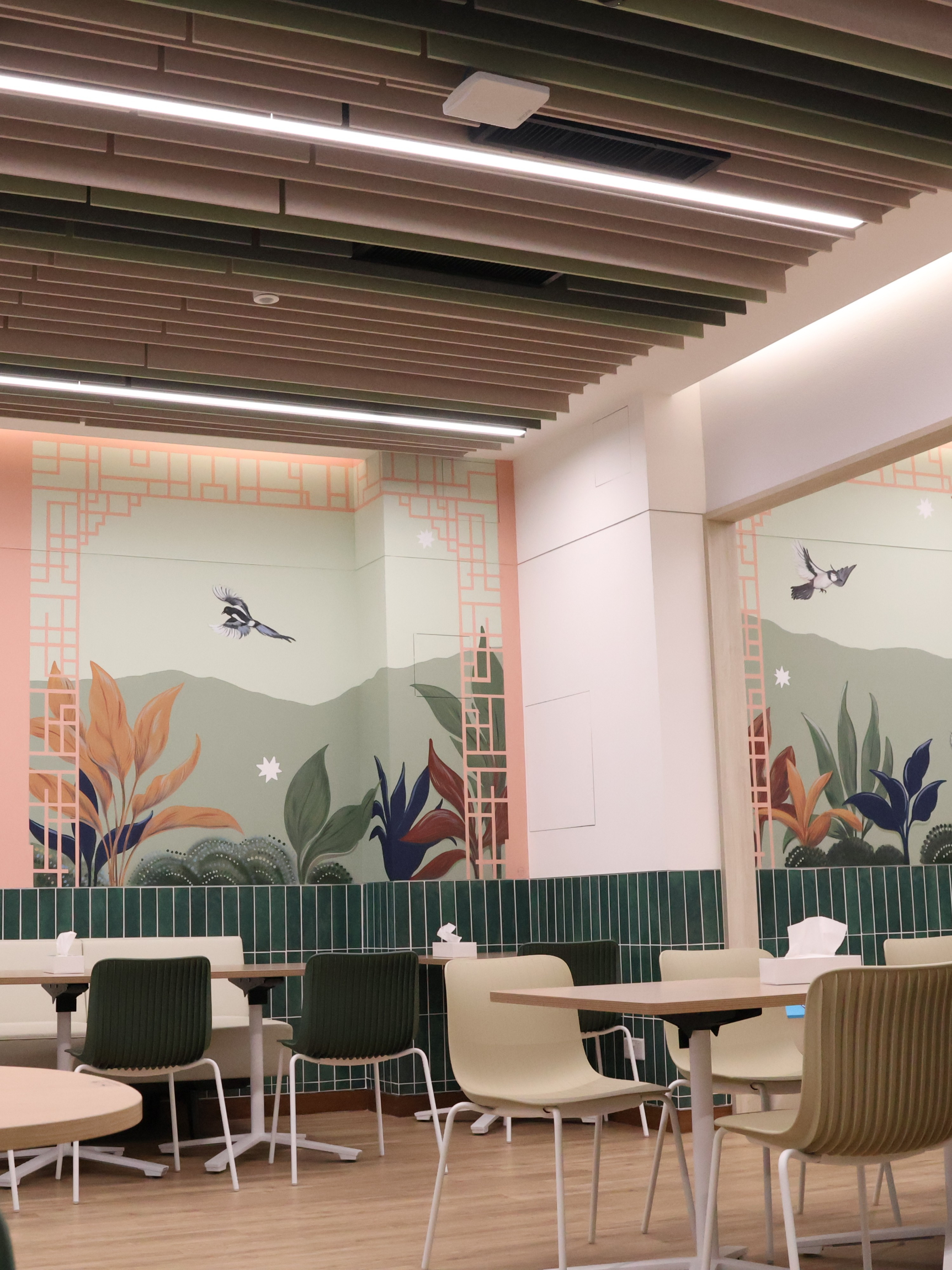
At JCSRS, students enjoy a mid-morning snack and lunch between 12.30 and 1.30 pm. Families are responsible for providing these meals. Please try to ensure meals are healthy, nutritious, and nut-free. Please note that we are unable to reheat food, so plan accordingly.
We know that some of our students have specific preferences or challenges when it comes to eating, and planning balanced lunches can be a struggle. Please feel free to reach out to our team if you need any advice on supporting your child's eating and drinking.
 |
Nut Free |
Our school community has made a commitment to be an allergy-friendly school and follow nut-free guidelines for the safety and health of all our students. We need every student, staff member and family to help us make JCSRS a safer place for students with food allergies.
We do have children with severe nut allergies. This is something we kindly ask that you consider very carefully when packing your child's snack box.
Below are the general rules about food and allergies.
-
Nobody should share their lunch; there is a "no food sharing" or "no food trading" rule.
-
Please do not send to school lunch or snacks that contain nuts; if, for health reasons, the child's diet contains nuts, we ask that parents speak to staff about it so we can put in place appropriate safety measures.
-
Bake sales and other fundraising food sales must clearly label the food if any nuts or peanut oil were used or could have been cross-contaminated when cooking.
-
We will also not use nuts in any of our food prepared on-site at our school.
-
Everyone should be washing their hands regularly, especially before and after handling food and eating.
-
Note that liquid soap, bar soap, and sanitising wipes effectively clean hands of potential allergens, but antibacterial sanitising gels do not.
Please remember to update your child's medical information and known allergies on Gateway, and inform the class if there are any changes to their medical needs.
 |
Mobile Phones – Student Use |
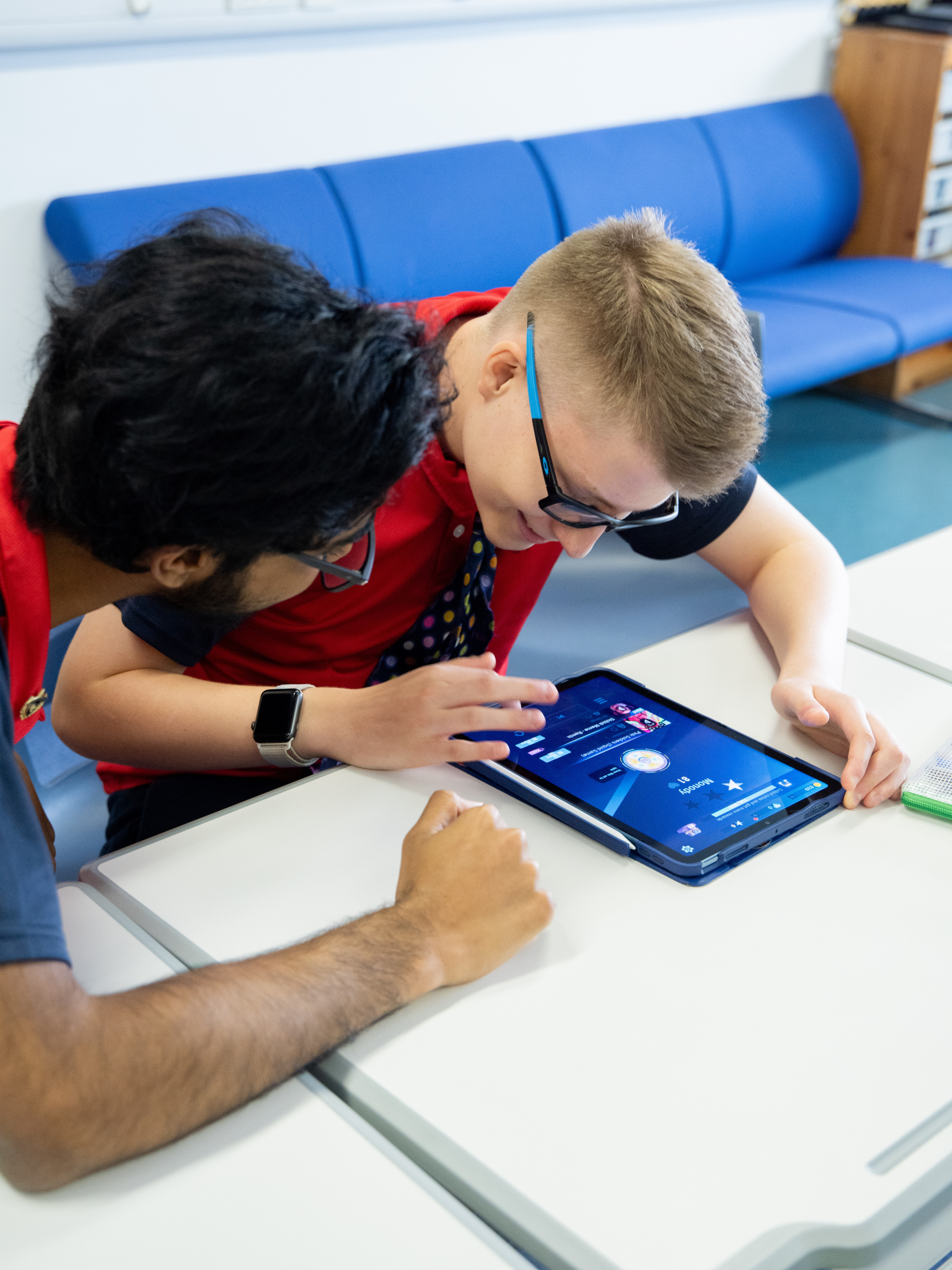
Students are not permitted to use mobile phones during their time at school. The only exception will be times when the use of mobile phones is required as part of planned learning. Parents will be informed of this in advance, and activities will be supervised by class staff.
 |
Mobile Phones / Recording Devices – Parent Use |
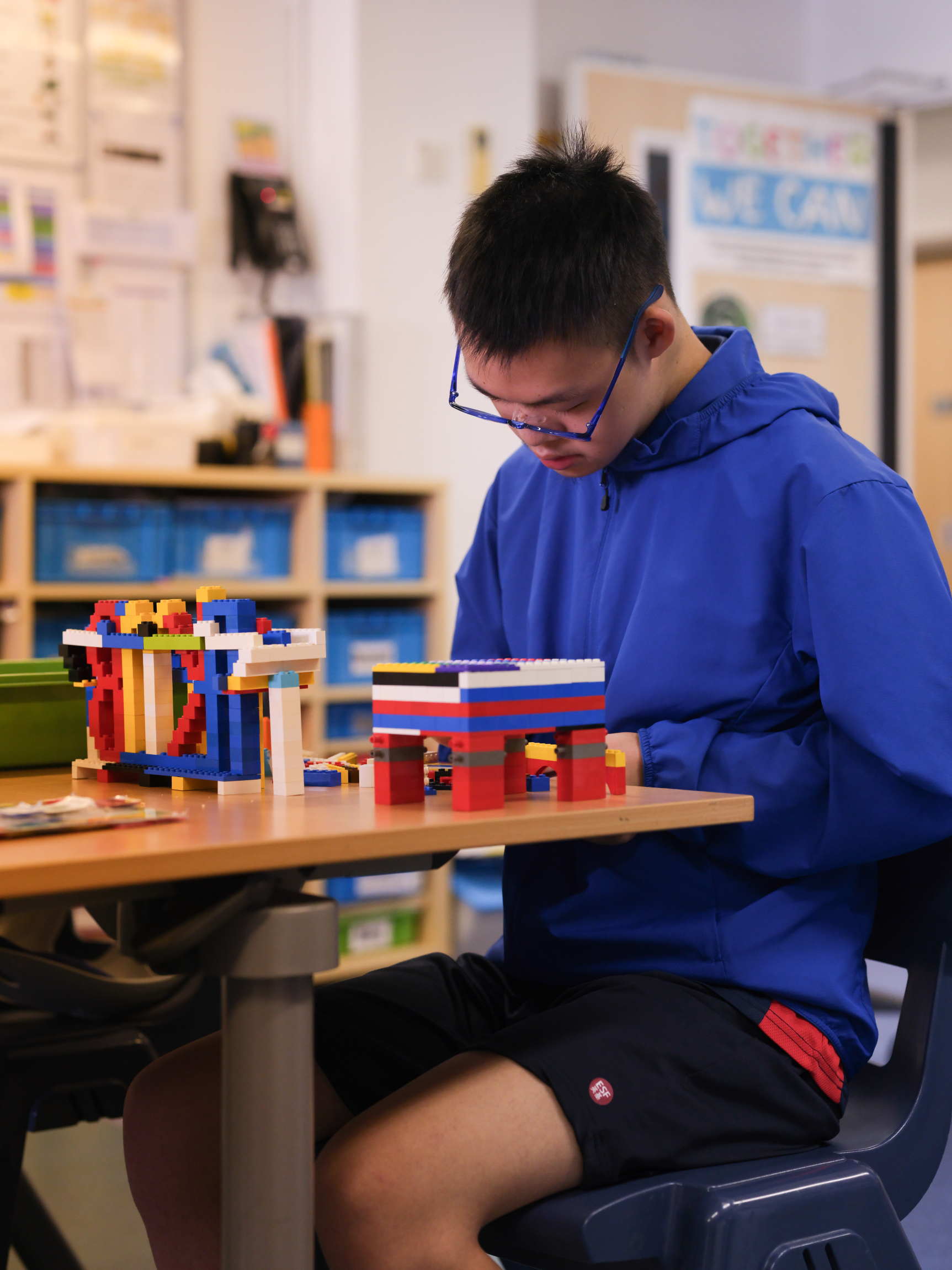
Parents are not permitted to use mobile phones or any other digital device to record students at school. If the school leadership team gives permission to take photos, the images cannot be shared by parents with others or published on any social media platform.
 |
Mobile Phones – Staff Use |
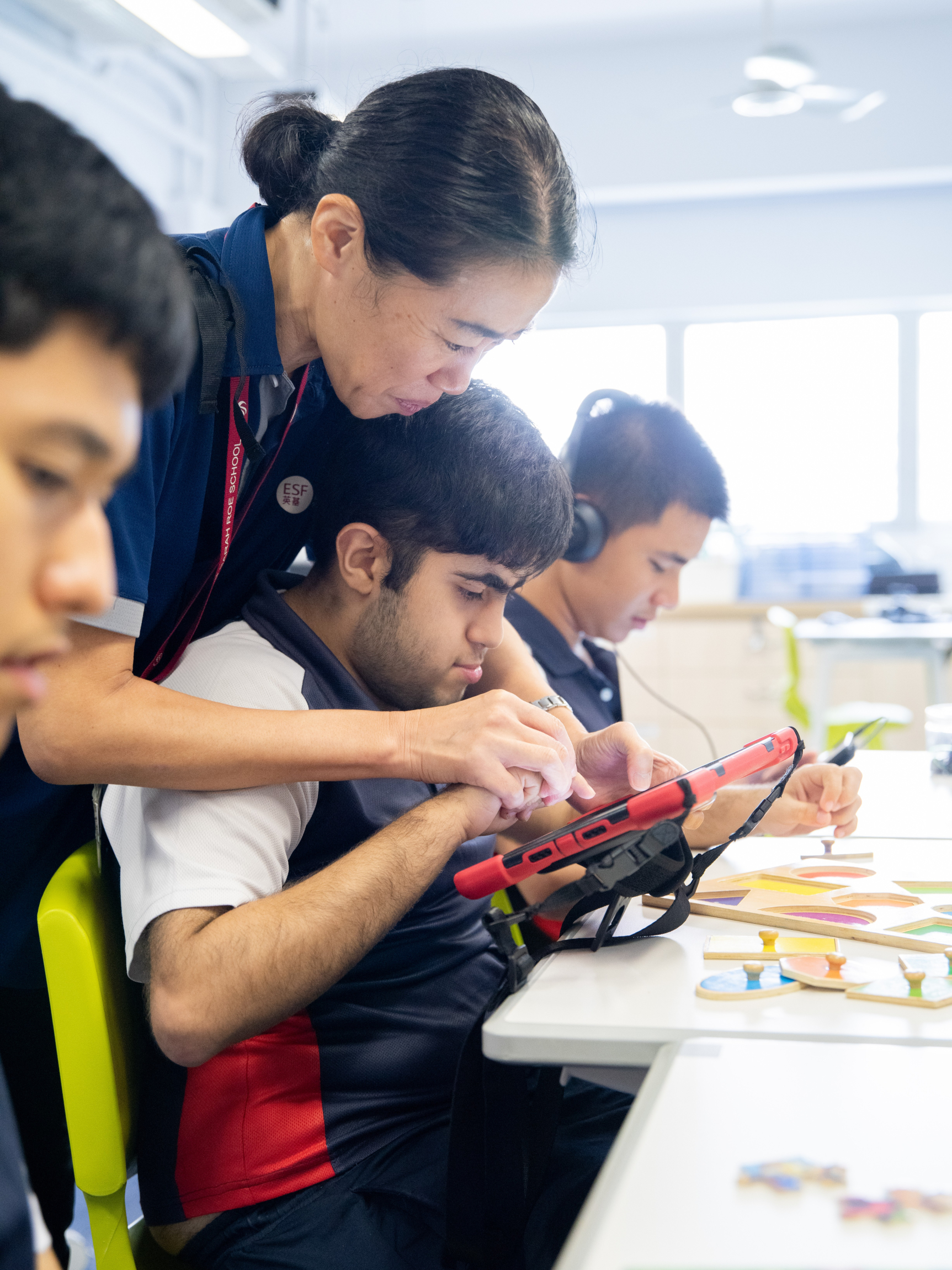
Staff are positive role models for students, supporting and reinforcing healthy use of mobile devices in line with the guidelines. For instance, when on duty, staff will be engaging with students and should use their devices only in emergencies or urgent situations.
 |
Jewellery, Toys and Other Personal Items |
Unless requested by a teacher, students should not bring toys or other personal items from home, since they can become broken or lost. No jewellery should be worn at school except for a watch. If ears are pierced, only plain studs are acceptable. The school will not be responsible for any jewellery that is lost or damaged.
 |
Curriculum |
 |
Swimming |
At JCSRS, swimming lessons are an integral part of our PE curriculum, providing students with essential water safety skills and physical exercise. These lessons are conducted either in our school's hydropool or at the KGV outdoor swimming pool. The frequency of lessons depends on the availability of the KGV pool and weather conditions, with the goal of offering at least one block of swimming lessons each year. Parent approval, obtained through the admissions pack, is required for students to participate in these lessons, ensuring a safe and supportive environment for all.
 |
Assessment, Reporting and IEPs |
 |
Learning at Home |
|
Music |
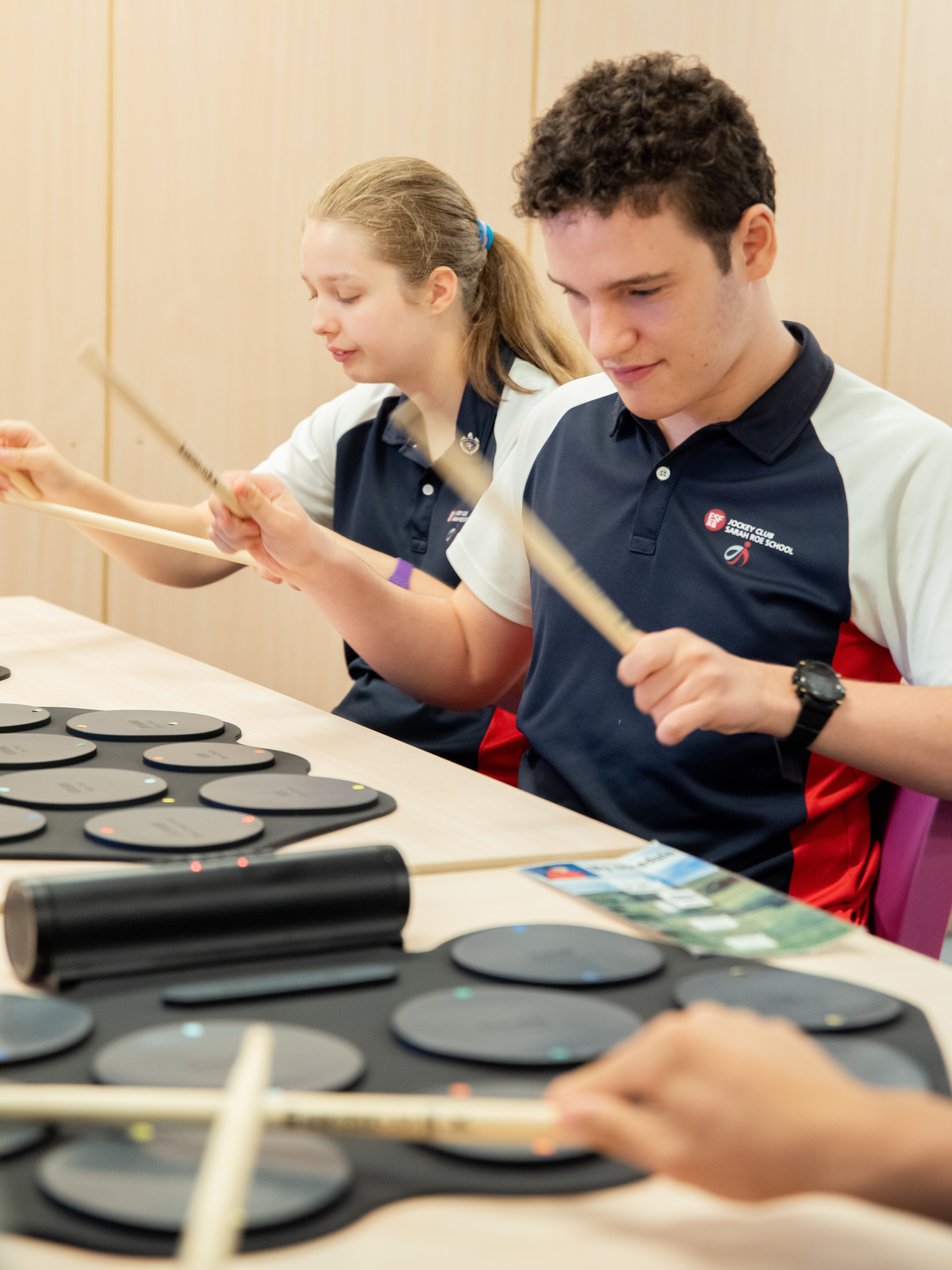
Students have a broad range of opportunities to participate in music-making at JCSRS.
We believe that the use of music and songs is hugely beneficial to students with diverse needs. That's why we provide daily access to music through its use in daily routines and lessons.
Additionally, Music is taught as part of our Expressive Arts curriculum. We are always looking for ways to enhance our curriculum, and one way we do this is by bringing in visiting performers or planning curriculum enrichment activities. We are committed to providing our students with a well-rounded education that includes music, so they can develop their creativity and express themselves in different ways.
 |
Uniforms |
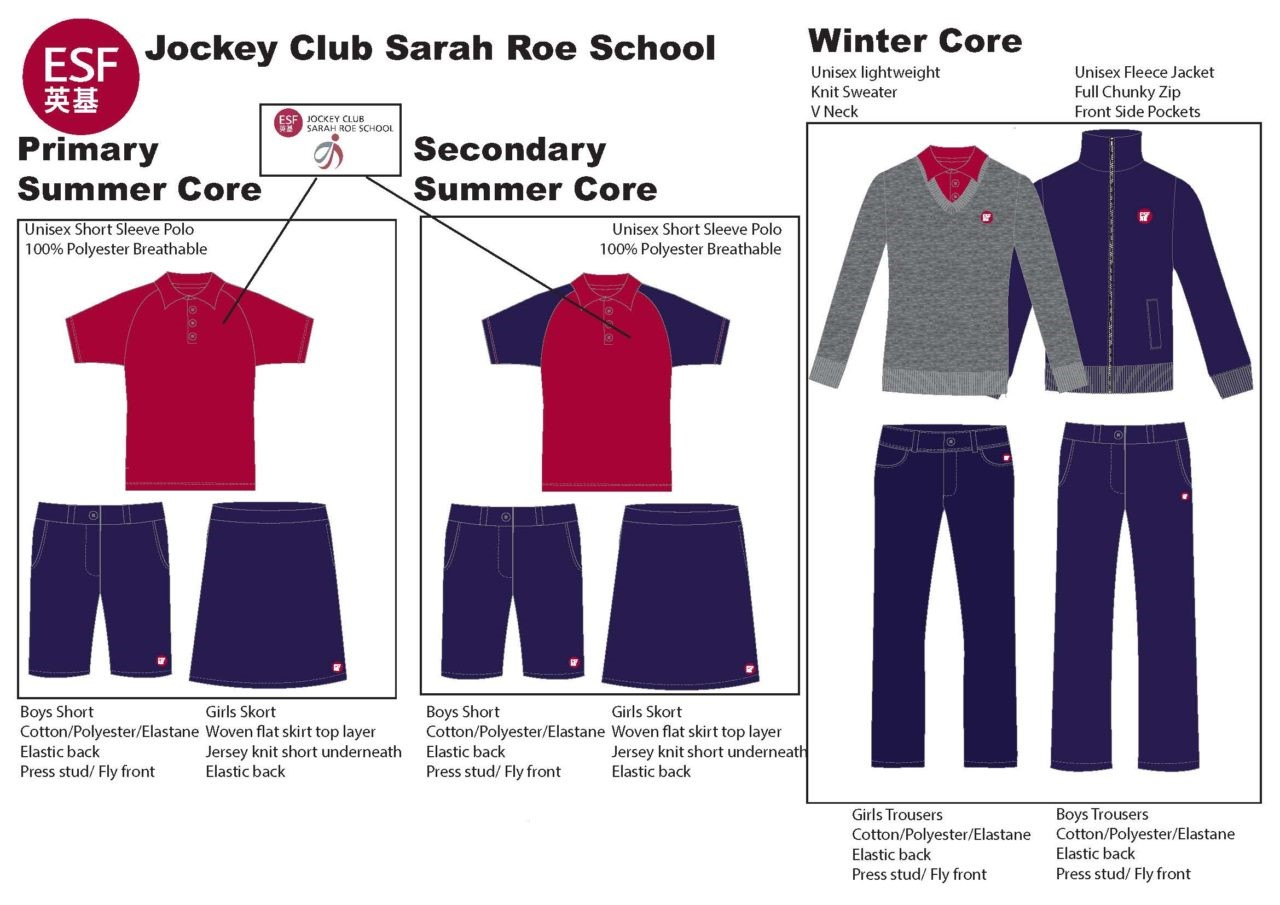
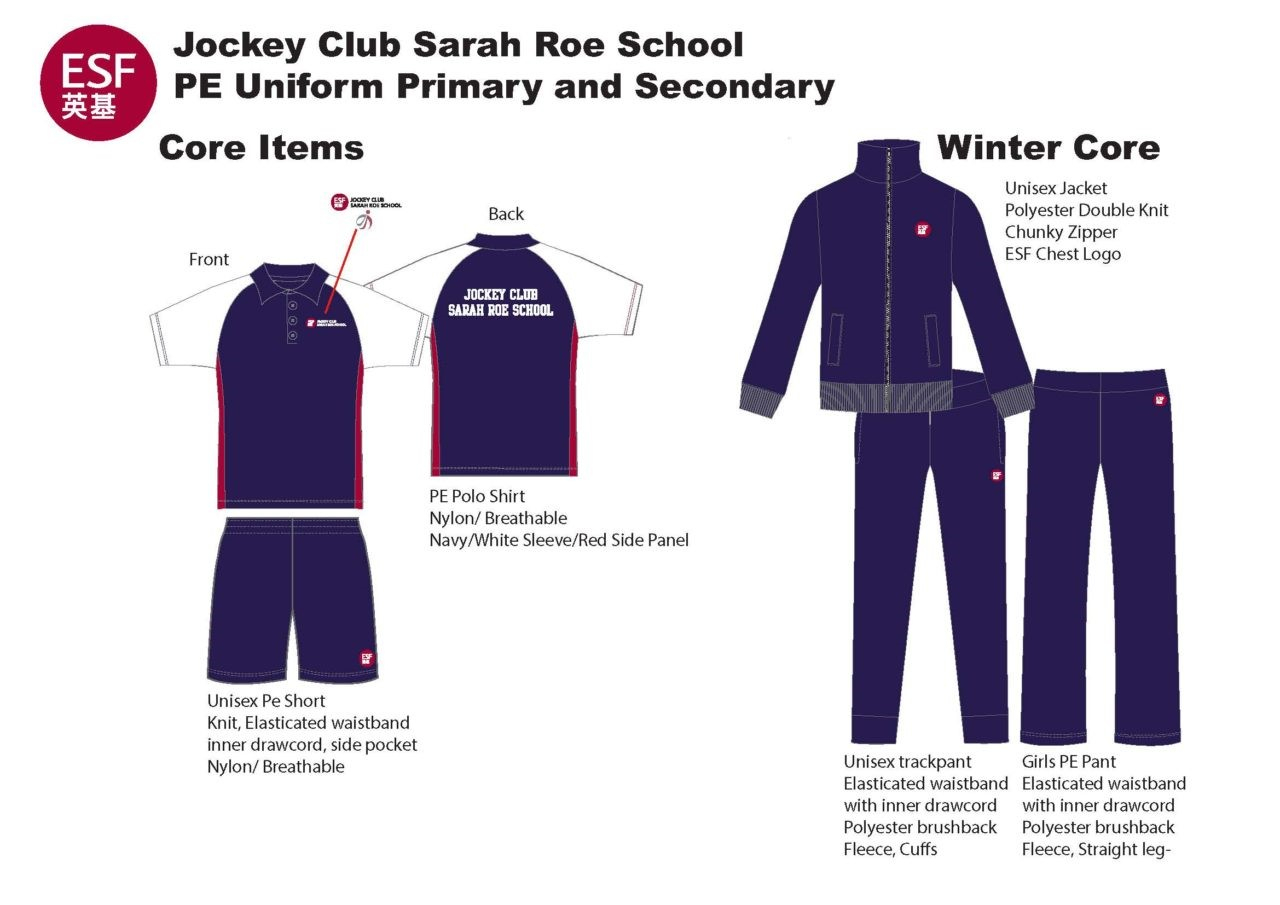
Jockey Club Sarah Roe School uniforms are available for purchase online at Schooluniform.hk, and orders are delivered to your home.
 |
Payment System |
The ESF Payment System is for our parents to make payments for non-school fees and school-based items to JCSRS. Invoices will be sent via the Payment System. Parents can check their account details and make payments via the system, which can be accessed by logging in through the ESF App or Gateway.
We accept the following payment methods:
-
Credit card via PayPal
-
PayPal
For more details, please refer to the Payment System manual.
Please note that:
-
Non-school fee payment items include fees for school trips, yearbook purchasing, school bus, etc.
-
School fees, deposits for school places and capital levies are handled centrally at the ESF Centre. For any queries about these areas, please contact its Billing Department directly at billing@esfcentre.edu.hk
If you have any further questions, please contact our Finance Team at epayment@jcsrs.edu.hk.
 |
Severe Weather Procedures – Typhoon and Rainstorm Warnings |
TYPHOONS
Before school hours
Parents should check the ESF App and use the radio or television (or consult the EDB or ESF websites) to receive announcements on the closure of schools.
-
If Typhoon Signal 3 or above is raised prior to school hours, JCSRS will close.
-
If a signal is raised while students are travelling to school, students who have set off to school should return home, and buses that have already picked up students will take them back. JCSRS will be closed for students all day. School premises will be open, and staff will look after the students who have arrived at school until proper arrangements are made for students to return home at an appropriate time under safe conditions.
In school hours
With the government announcement of the closure of schools, all schools are to close. In that situation, principals will ensure that safe and adequate arrangements can be made for students to return home. If that is impossible, the school will inform affected parents that their children will remain in school until it is safe to release them or until a parent or designated responsible adult picks them up. Students will not be sent home on school buses once a Signal No. 8 or above has been hoisted.
Lowering of signals
When a typhoon signal is lowered to No. 1 or all signals are cancelled, all schools will open on the next school day.
HEAVY PERSISTENT RAIN
The Amber, Red and Black Warnings are independent of other warnings, such as landslides or typhoon warnings.
|
Rainstorm Warning Signal |
Action to be Taken |
|
Amber |
All schools and kindergartens operate as usual |
|
Red or Black |
|
|
(i) Before 8 am |
All schools will close for the whole day. If the warning is raised when your child sets off for school, they should stay at home. |
|
(ii) After students have set off for school, but before the commencement of school |
Schools will accept those students who arrive and retain them until it is safe to allow them to proceed home. |
|
(iii) When classes are in session |
Schools continue until the end of normal hours, and students are retained until conditions are safe for them to return home. |
The school will not allow students to return home, including on a school bus, when a Red or Black Warning is issued.
In these circumstances, children may only be released to a parent or designated responsible adult if requested by a parent to do so. Schools will not request parents to come to school to collect their children in dangerous conditions and will care for them until a responsible adult can arrive to take them home.
LEARNING ON SCHOOL CLOSURE DAYS
-
T3, T8 or Red Rain – Teachers will email parents information about the Morning Meeting / Circle Time (starting between 9 and 10.30 am) and four asynchronous lessons. There will be an optional afternoon check-in for secondary classes.
-
T9, T10 or Black Rain – Safety becomes our first priority for all community members because there is a higher risk level during these weather events. This means we do not provide lessons for students whilst these signals are in force.
Please stay informed via the ESF App and listen to weather announcements on television and radio.
 |
Emergency Arrangements – Evacuation and Lockdown |
We have very robust systems in place to ensure the safety of students, staff, and visitors. Practice drills for emergency evacuations or lockdowns are held at least twice a year so that staff and students know what to do in the case of a real emergency. These drills are often held without warning in order to gauge our preparedness and improve our procedures (if necessary).
Emergency evacuations will be carried out in cases of fire, gas leaks, bomb threats or other emergency situations where it is deemed that safety will be enhanced by moving from the school building to the emergency assembly area, located on the KGV sports field.
Lockdowns will be carried out in situations where it is deemed that student, staff and visitor safety will be enhanced by remaining in rooms. This could include threats both outside and inside the school.
|
School Bus |
The bus service for JCSRS students is managed by ESF Centre and JCSRS. School staff serve as Bus Escorts and are first aid-trained.
Please note that:
-
we cannot offer door-to-door service for school buses, but where possible, taking into consideration safety, efficiency and a sufficient number of students, we will try to accommodate your request;
-
any new routes or changes to a route will require at least two weeks' notice.
To find out more about the school bus service, please contact us by calling 2761 9893 during school hours or emailing schoolbus@jcsrs.edu.hk.
APPLICATION AND PAYMENT
Please email schoolbus@jcsrs.edu.hk to apply. See the Payment System section above for more information.
BUS REGULATIONS
All students travelling on the school buses (and their parents) should be aware of and follow the bus terms and conditions.
Please read them with your child:
SEVERE WEATHER
Please see the Severe Weather Procedures section above. This gives clear advice on what happens and what to do in the event of school closure whilst in session due to an upgrade of the typhoon signal. Advice is also given on the procedures in place for amber, red and black rainstorm warnings.
 |
School Fees |
Information about school fees can be found here: https://join-us.esf.edu.hk/school-fees/.
For fee and deposit inquiries, please contact ESF Billing at billing@esfcentre.edu.hk or (+852) 3762 2422.